AT&T iWatch
iWatch Experience Design
-
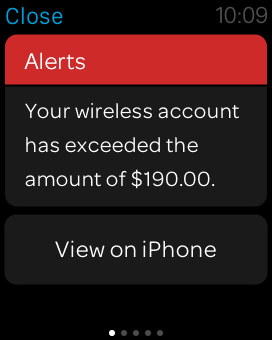
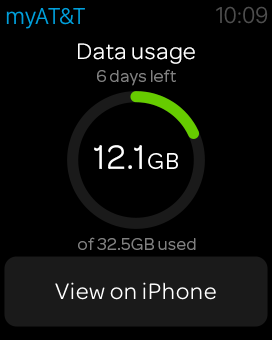
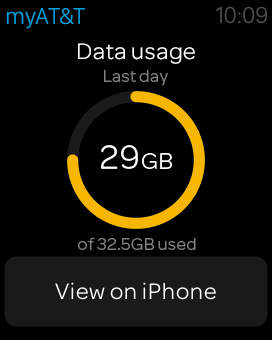
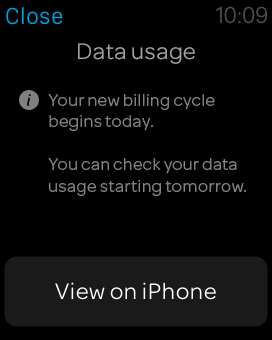
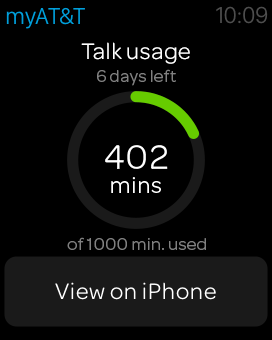
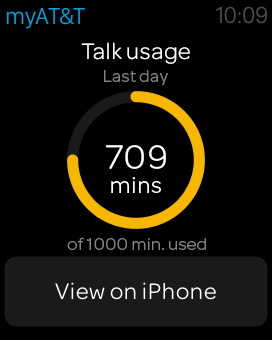
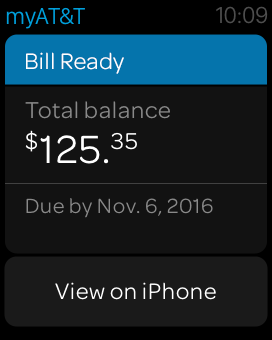
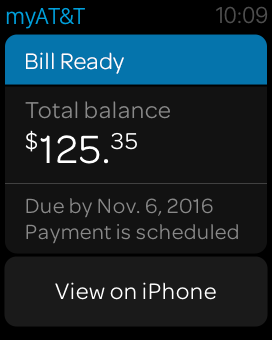
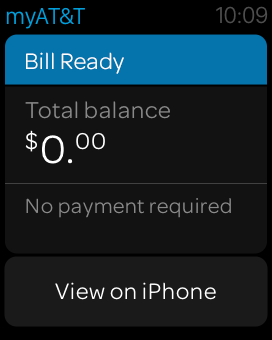
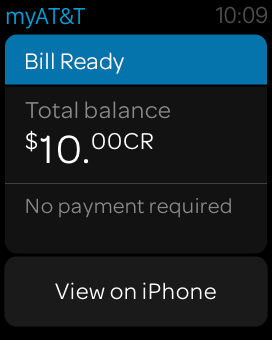
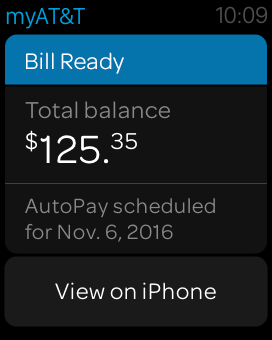
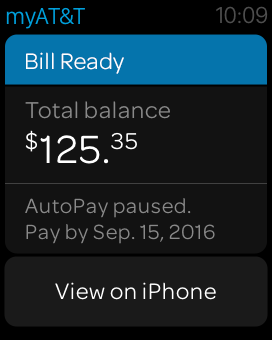
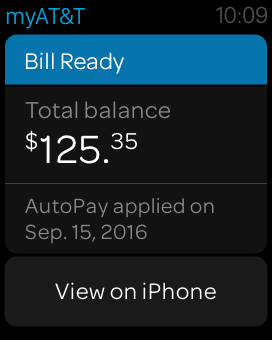
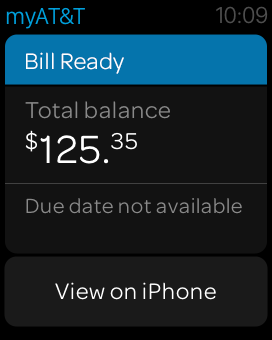
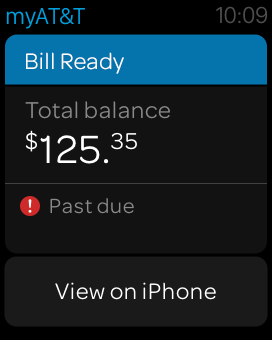
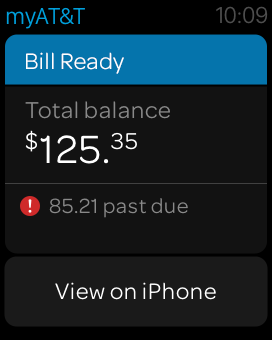
Based on the huge influx of wearable devices, AT&T wanted to create an iWatch application that would allow the customers to view notifications, usage, billing information on the go and handle it .
To comply with my non-disclosure agreement, I have omitted and obfuscated confidential information in this case study. All information in this case study is my own and does not necessarily reflect the views of AT&T.
-
Our goal for the project was to create a first of its kind iWatch application for AT&T. Wearable technology was new and evolving and we had to come up with a design strategy and prioritize the information needed very quickly. We had to pass some hurdles with technical feasibility evaluation and security evaluations.
-
As a UX Architect my job was to work with the business, analytics team to understand the customer needs and provide the design direction for AT&T's first iWatch experience.
-
We looked at the analytics for the past one year, interviewed several customers and product owners. Based on their feedback we prioritized the information the users would like to see on the iWatch application into three categories:
Notifications
Usage
Billing
Design strategy
Since the iWatch application was a first for AT&T, I had to come up with some guidelines on how we should design the pages. This would help me with my hierarchy and also serve as a reference for other designers that would like to work on wearable designs in AT&T.
I created a four main guidelines that will drive my design:
Use Hub and Spoke Pattern.
Keep the navigation to two steps.
Rely on long looks to display information.
Long looks will take the user to a modal if there is an action.
iWatch Interaction Flow Diagram
AT&T iWatch User Flow
AT&T iWatch Prototype
Introducing AT&T iWatch Experience
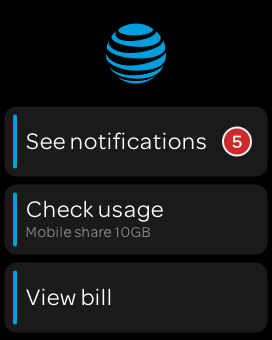
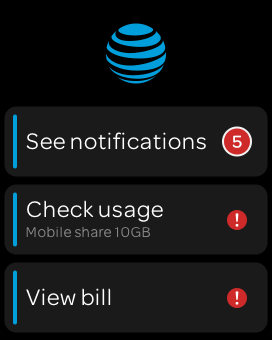
iWatch home page with the three major options in default the state and the alert icons on check usage and view bill visually indicate issues with those sections.